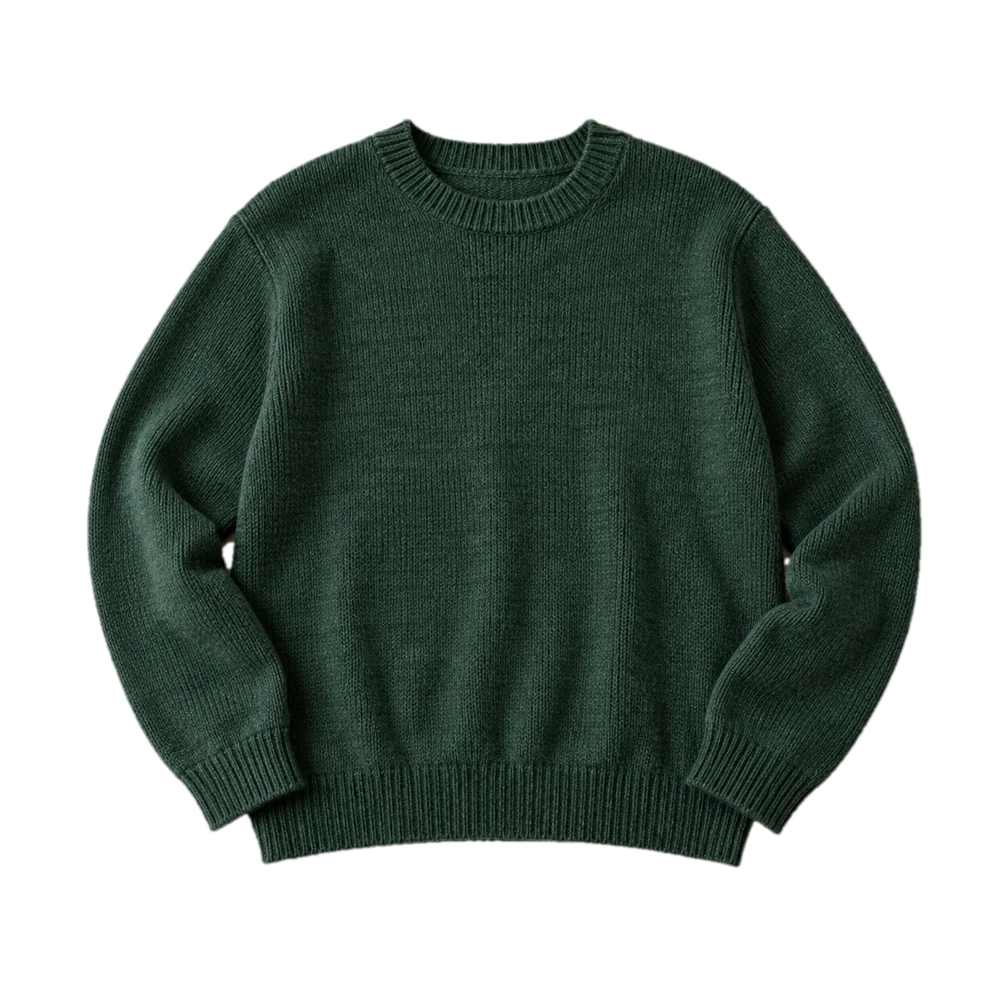
Pick a new background
Built-in backgrounds come free. Pro lets you save your own, so every listing in your wardrobe matches.
Snap an item. FlipFast writes the title, description, price and hashtags, and cleans up the photo. For Vinted and Depop.
Listing draft
Tap any field to copy
Example draft for the photo above
Tap New listing, then take photos in the app or pick them from your camera roll.
FlipFast reads the item and fills in the title, description, category, condition, colours, price and hashtags. Switch on photo fixes to clean the pictures at the same time.
Tap any field to copy it into Vinted or Depop. Everything stays editable, so change what you like before it goes live.


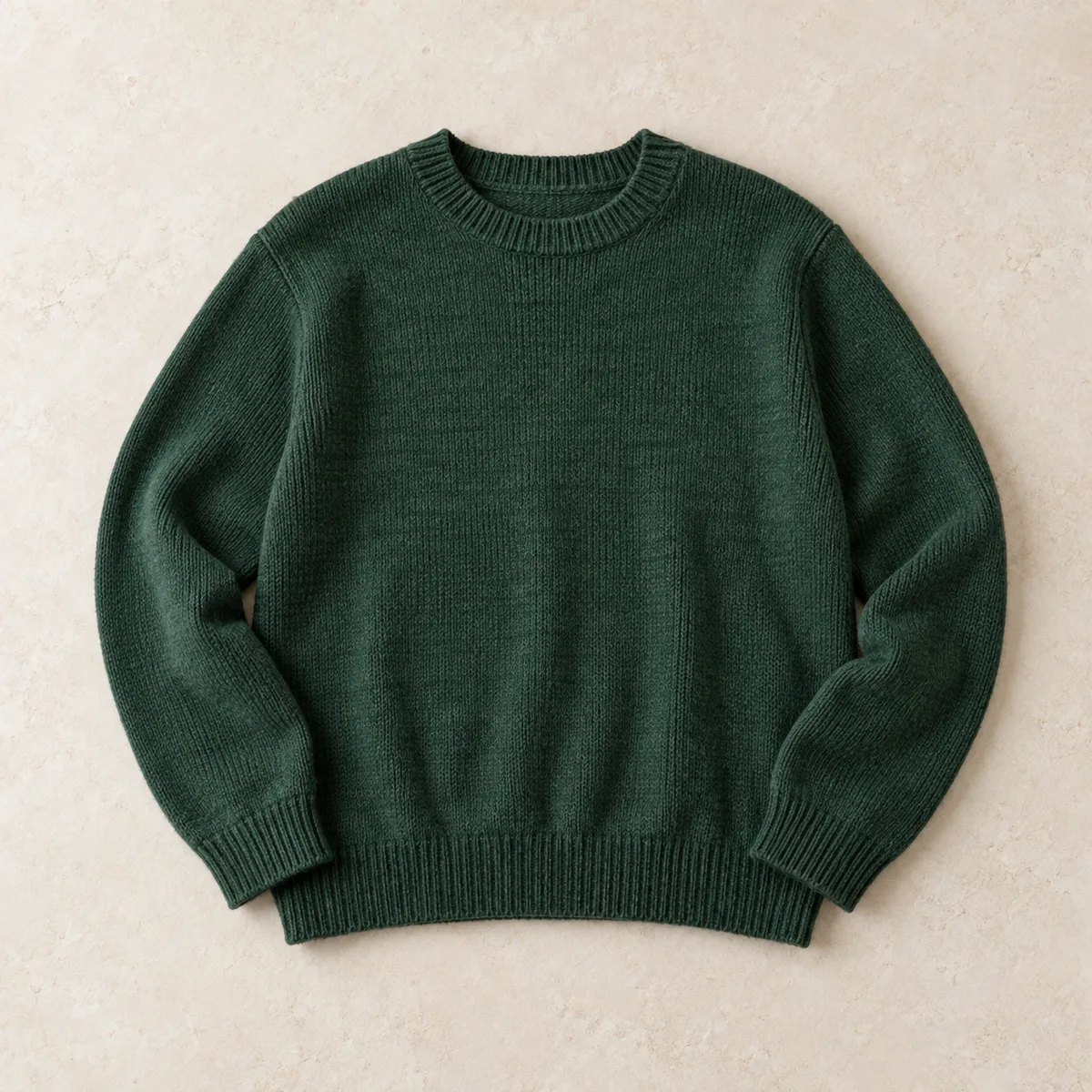
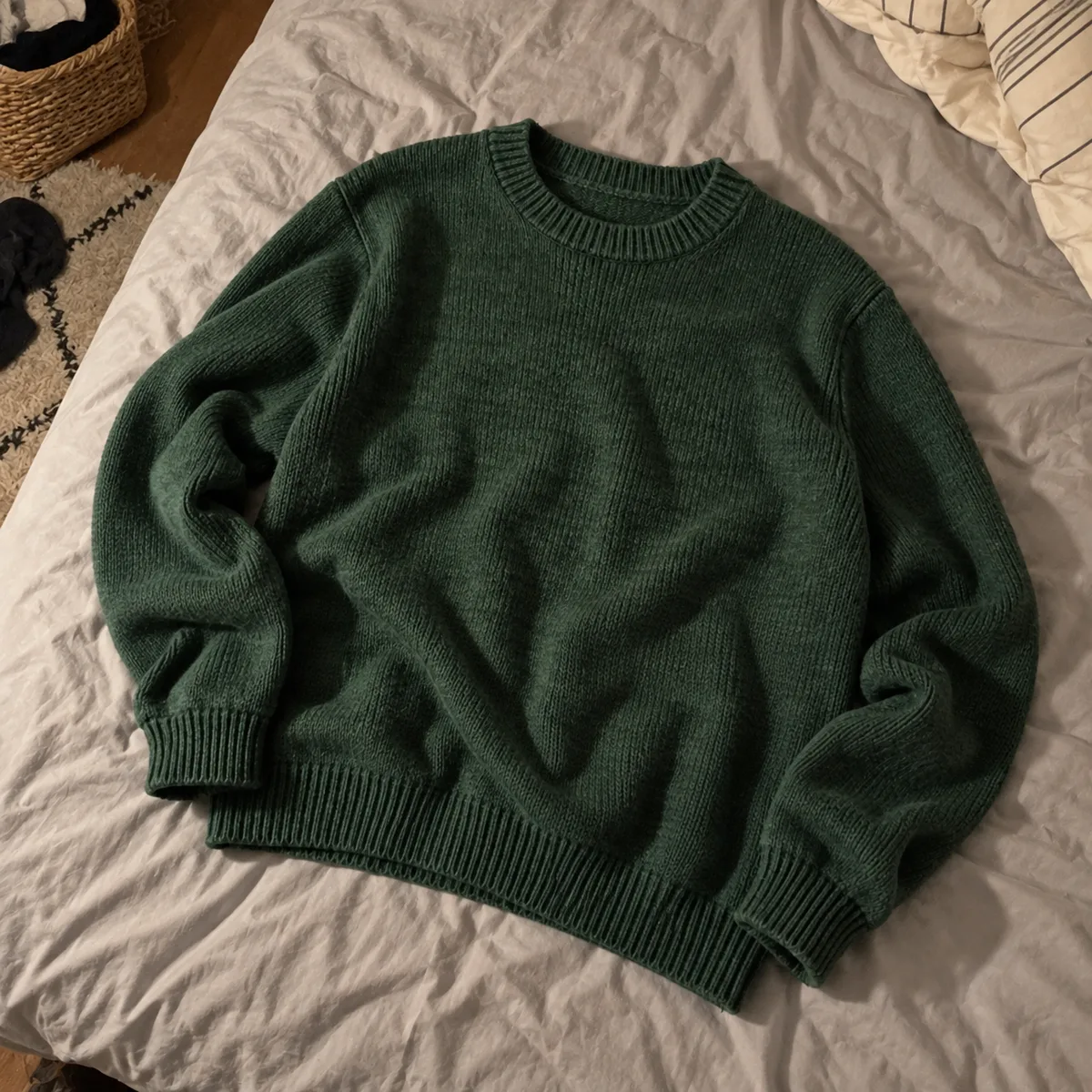
FlipFast smooths creases, evens out flat lamp light, straightens the framing and puts the item on a clean background. You check the result before anything is saved.
Built-in backgrounds come free. Pro lets you save your own, so every listing in your wardrobe matches.
Buyers zoom in. Wrinkles and yellow lamp light make a good jumper look tired.
The free plan edits your cover photo. Pro edits every photo in the listing, with no cooldown and no ads.
List on the free plan as long as you like. Pro is for people clearing a full rail.
Free
Pro£4.99 a month
Pro is an App Store subscription. Cancel any time in your iPhone settings.
Download on the App StoreShort, practical guides on photos, pricing and listings that get Vinted buyers to tap Buy.

Getting started
Listing is free and there are no selling fees. Here's the whole process in order: what to sell first, how to list it, what happens when it sells and how you get paid.
3 min read

Selling faster
Most slow Vinted sales come down to the cover photo, the title, the price or how quickly you reply. Here's what to change, in the order that matters.
4 min read

Photos
You don't need a studio or a ring light. A window, a plain surface and these few rules will make your Vinted photos look like the ones that sell.
3 min read

Listings
A good Vinted description is short and boring in the best way: condition, size, measurements, fabric, flaws. Here's a template you can copy.
2 min read

Listings
Brand, item, key detail, size. A simple title formula for Vinted, with real examples and the mistakes that keep listings out of search.
2 min read

Pricing
Check what has sold, not what's listed, then decide whether you want it gone this week or want the best price. A simple way to price anything on Vinted.
2 min read

Pricing
A bump pushes one item higher in feeds and search for 3 or 7 days. Here's when that's worth paying for, and when to fix the listing instead.
2 min read

Selling faster
Look at views and favourites to work out what's wrong. No views means search, few favourites means the photo or price, favourites but no sale means the price.
2 min read

Photos
A plain background makes items stand out in the Vinted feed. Here's how to get one, with or without an app, and how to keep edited photos honest.
2 min read

Listings
AI can write your titles and descriptions from a photo and tidy the picture too. Here's where it saves real time, where you still need to check, and how to use it well.
2 min read
No. Vinted has no public listing API, so FlipFast writes the listing and prepares the photos, then you paste the fields into Vinted yourself. It takes a few taps, and you get to check everything before it goes live.
Photograph an item, let FlipFast write it up, post it, pick up the next one. Free to download.